Users & Roles
Users & Roles is the foundation of Controlled Autonomy. Every autonomous action Athena takes — every ERP write, every supplier outreach, every approval-workflow step — operates within authorization boundaries defined here. The access framework that makes a Supply Assurance agent safe to run in Employee mode, or a Storyboard correct to share with leadership, is grounded in the user provisioning, role-based access, and row-level security configured in this module.
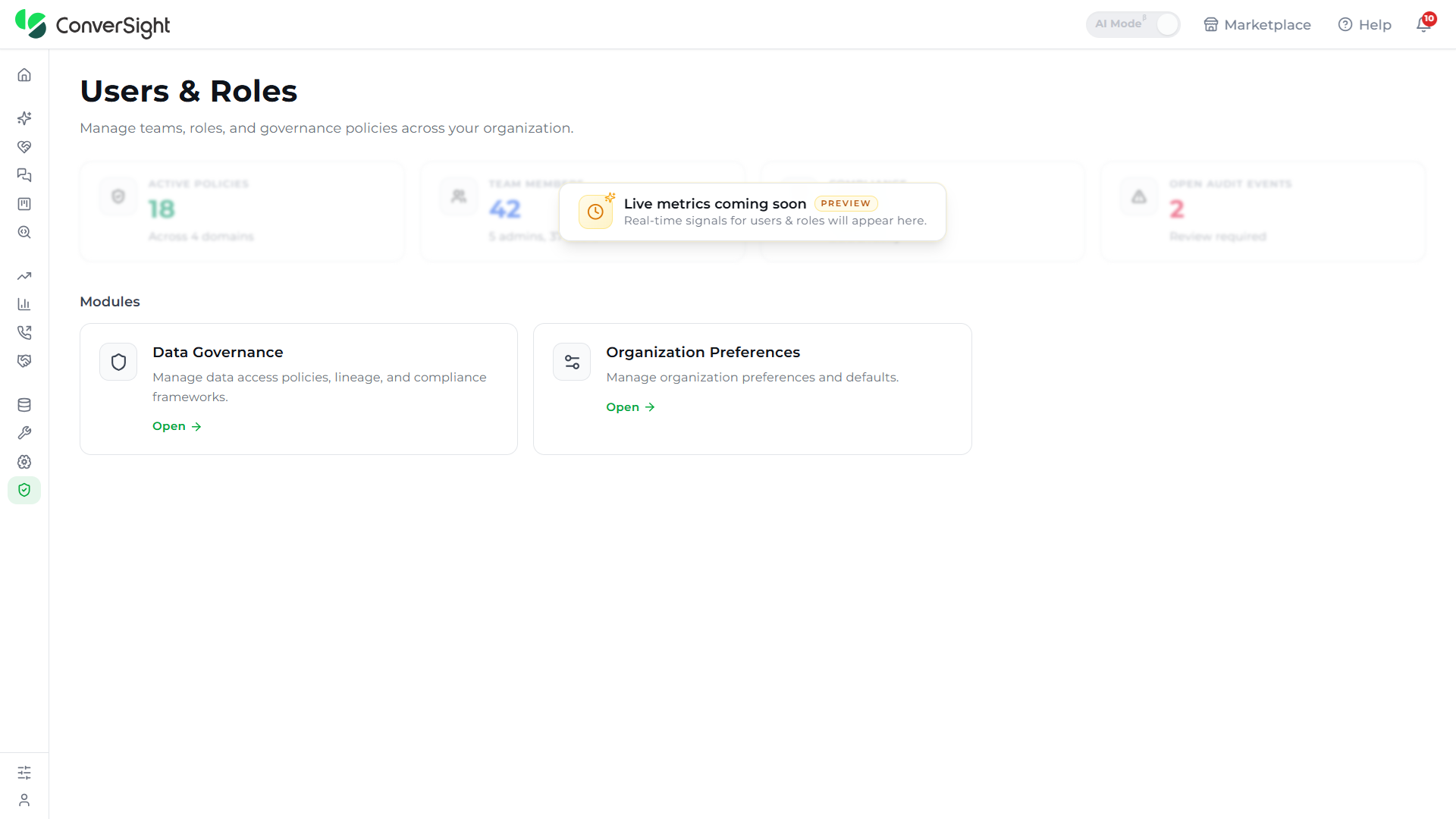
This is primarily a Data Analyst surface, with Data Engineers collaborating on the role scoping that governs autonomous-agent permissions. The feature is organized into two modules — User Management (users, roles, groups) and Organization Preferences (workspace-wide settings such as visual theme).
Users & Roles is especially useful when:
- Onboarding new members: Provisions users individually or through SAML-based single sign-on and assigns them the appropriate level of access from the moment they are created.
- Enforcing data boundaries: Defines row-level filters on roles so that each user sees only the slice of the data that matches their function, region, or business unit.
- Scaling permissions: Groups roles and dataset access together so that large teams inherit consistent permissions without per-user configuration.
- Scoping autonomous-agent authority: Defines which actions each role can delegate to Athena — a planner may allow automated alerts; only a director can enable supplier outreach.
- Maintaining hygiene: Switches between active and inactive users, resends invitations, and exports the user list for audit and review.
Accessing Users & Roles
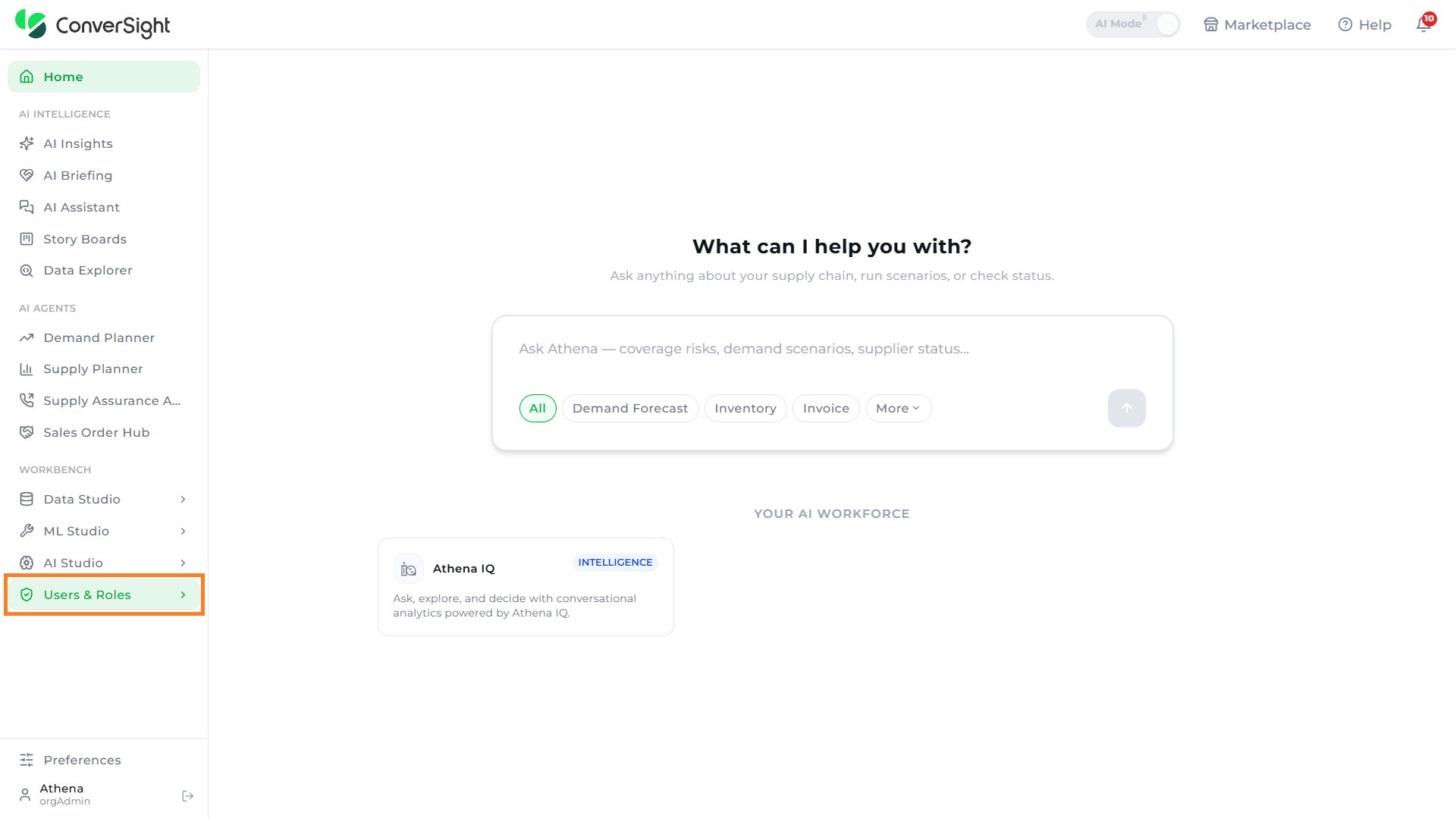
Users can access the Users & Roles feature by selecting the Users & Roles option in the left navigation panel of the ConverSight platform. Selecting the option opens the access management workspace, where the User Management and Organization Preferences modules are available.