ConverSight Mobile App
The ConverSight Mobile App provides access to AI Assistant, AI Insights, AI Briefings, and Storyboards from a mobile device. The application enables users to stay connected to operational data, monitor business conditions, review recommendations, and investigate trends without accessing the desktop platform.
After signing in, users can move between AI-generated insights, recurring briefings, conversational analytics, and visualizations using the mobile navigation experience.
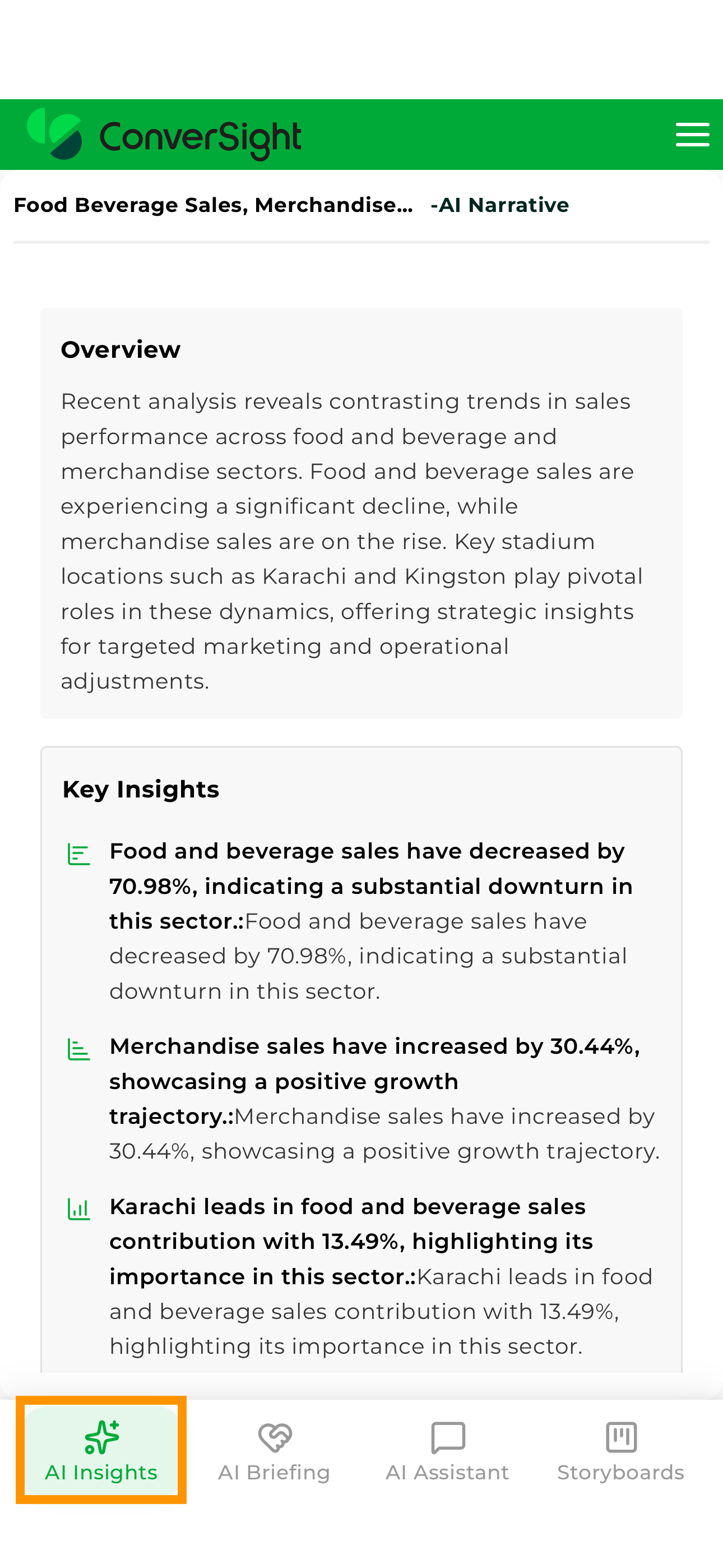
Sign In
Launch the ConverSight Mobile App and enter your ConverSight credentials to access the application.
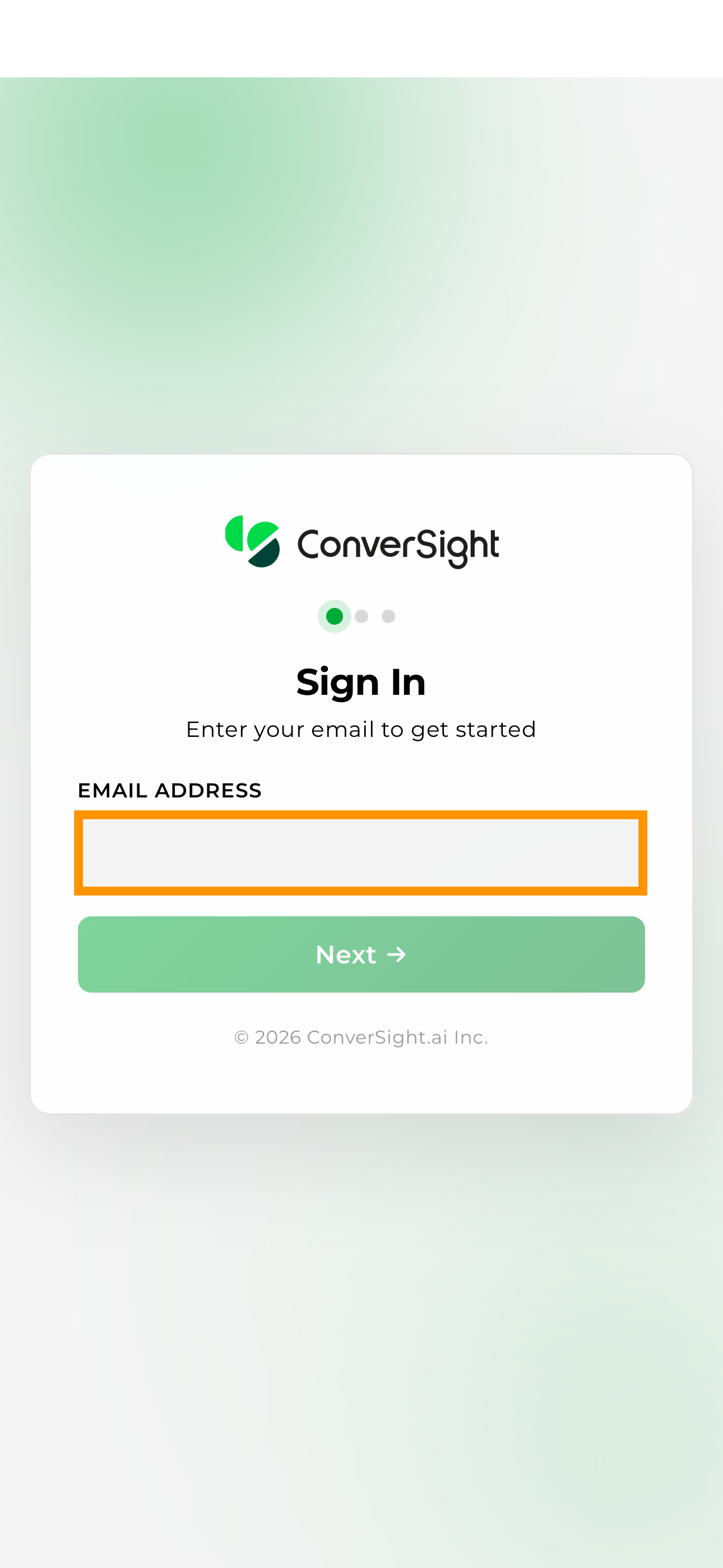
Users begin the sign-in process by entering the email address and password associated with their ConverSight account.
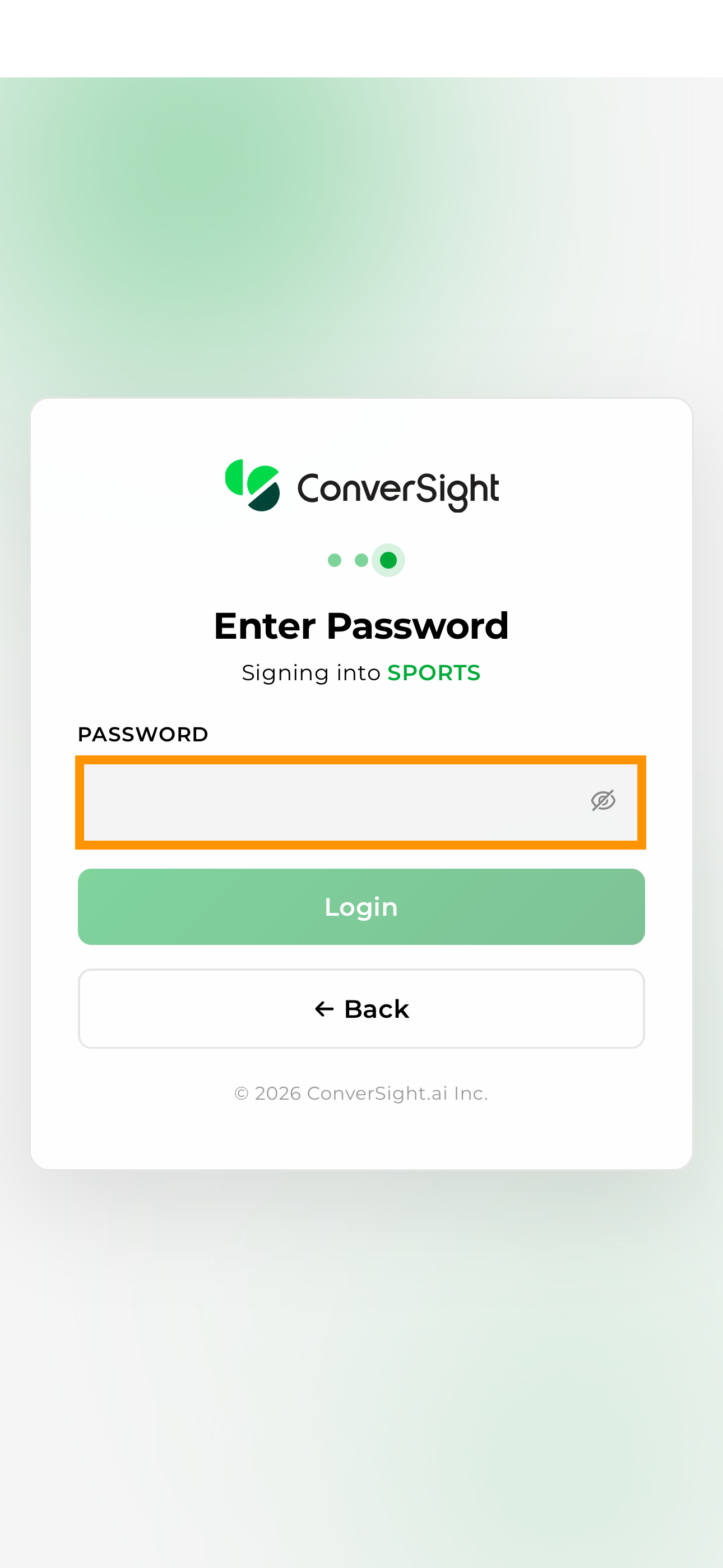
After the email address is verified, users enter their password and select Sign In to access the application. Once authentication is successful, the application opens on the AI Insights page.
| Field | Description |
|---|---|
| Enter the email address associated with your ConverSight account. | |
| Password | Enter your account password. |
| Sign In | Authenticates the user and opens the mobile application. |
User Menu
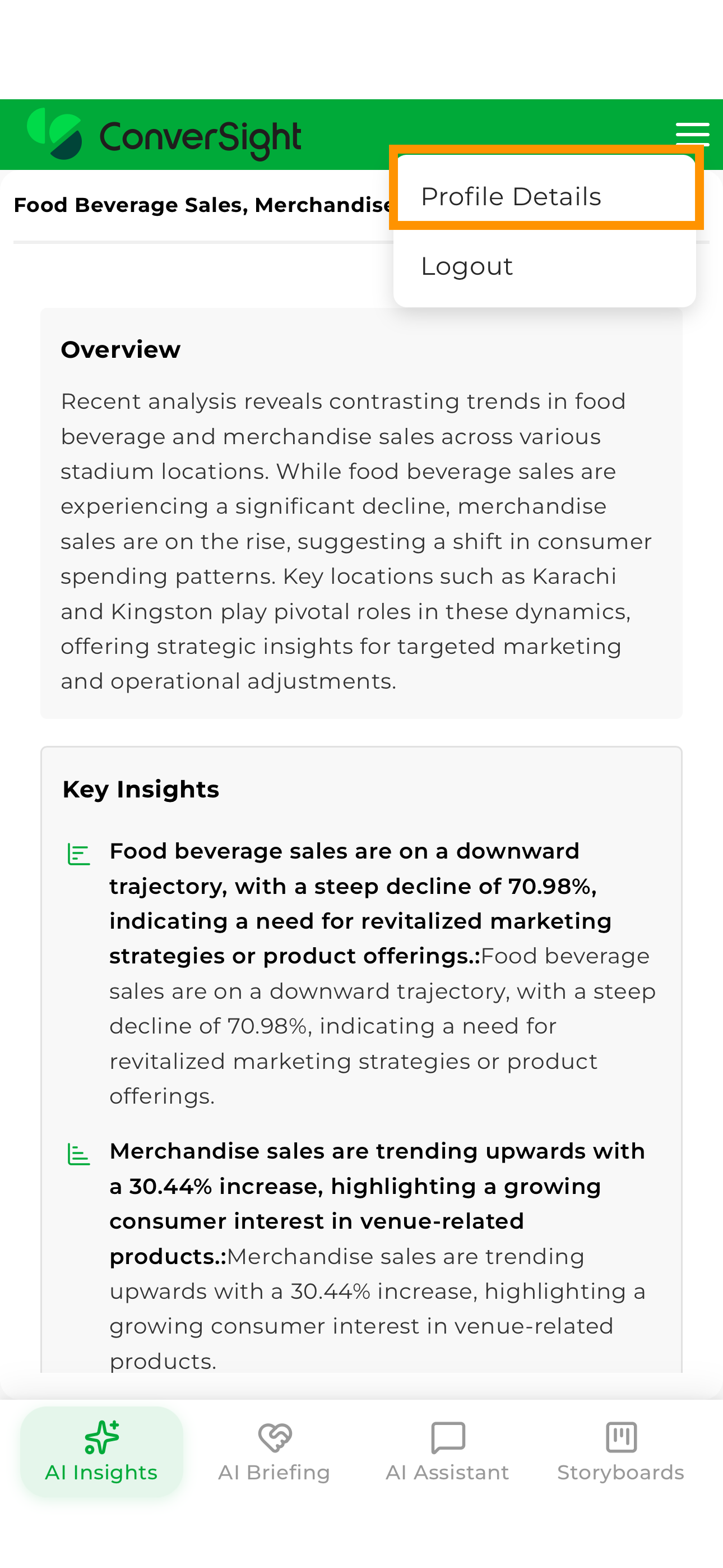
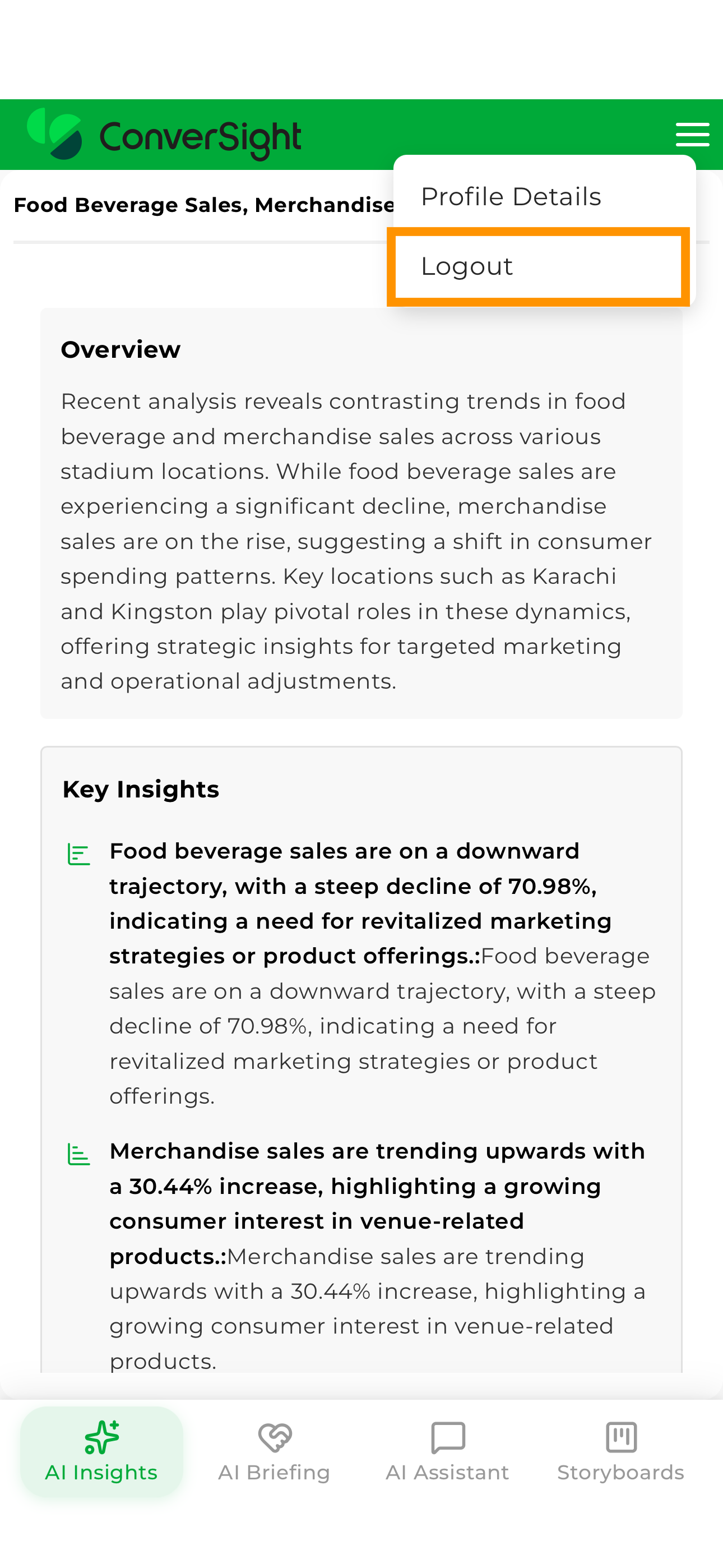
A navigation menu is available in the upper-left corner of the application. Selecting the menu icon opens account-related actions, including Profile Details and Logout. Selecting the menu displays the available user options.
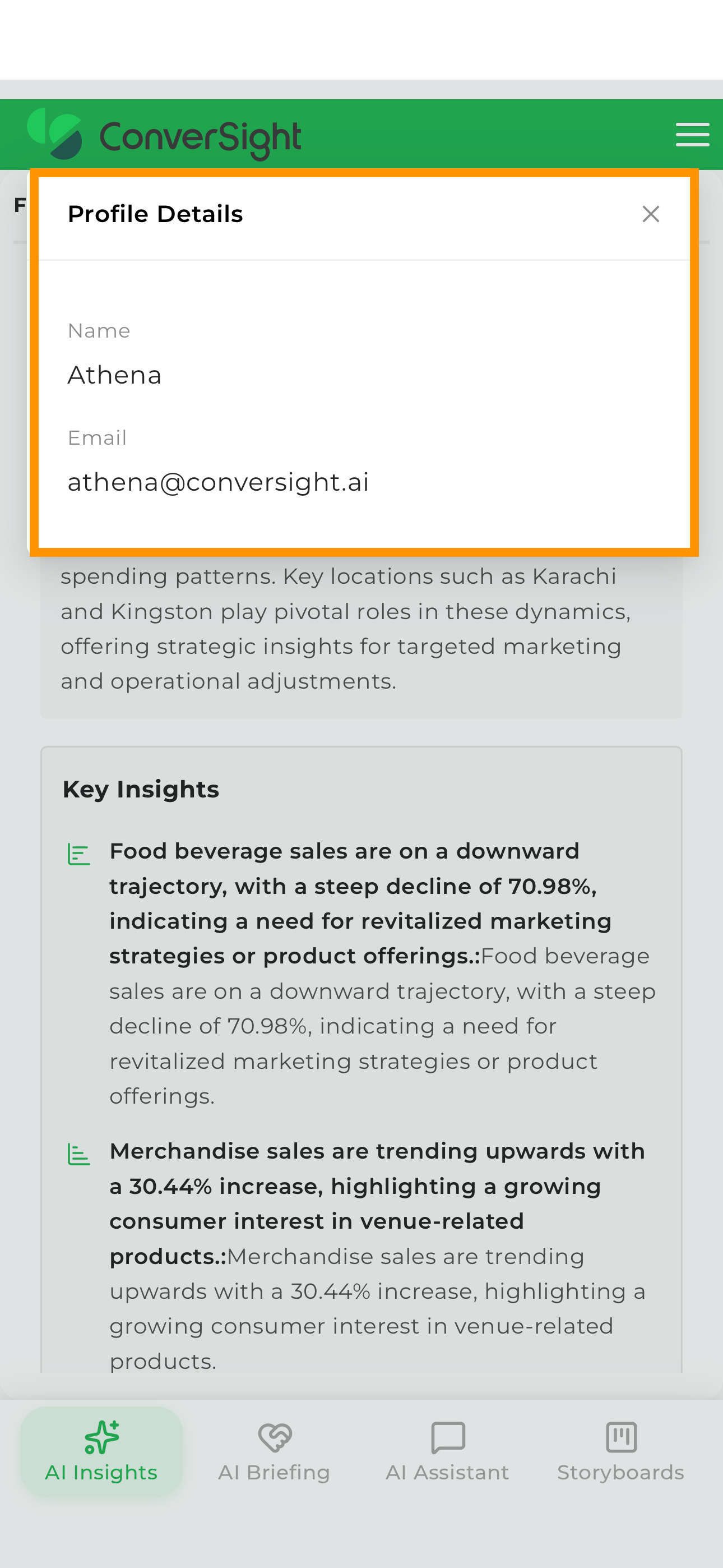
Profile Details
Selecting Profile Details displays information associated with the current user account, including the user's name and email address.
Logout
Selecting Logout ends the current session and returns the user to the sign-in page.
Navigation
After signing in, the application opens on the AI Insights page by default. The bottom navigation bar provides access to the primary areas of the mobile experience, allowing users to move between insights, briefings, conversational analytics, and storyboards without leaving the current session.
| Section | Description |
|---|---|
| AI Insights | Displays observations, trends, anomalies, risks, and opportunities identified from operational data. |
| AI Briefing | Displays recurring business summaries, recommendations, and operational updates generated from live analytics. |
| AI Assistant | Enables users to ask business questions using natural language and receive responses generated from governed business data. |
| Storyboards | Provides access to business visualizations, metrics, and analytics for detailed exploration and monitoring. |
The navigation experience is designed to help users move seamlessly between monitoring business conditions, reviewing recommendations, investigating trends, and analyzing supporting visualizations from a single mobile interface.
AI Insights
AI Insights is the default landing page of the mobile application and serves as a continuously updated feed of observations identified from operational data. Rather than waiting for users to search for issues, Athena continuously evaluates available analytics and surfaces notable changes, trends, anomalies, risks, and opportunities as insight cards.
This experience represents the point where Athena begins actively monitoring business conditions on behalf of the user. Insights are prioritized based on relevance and impact, helping users focus on the conditions that matter most.
Selecting an insight opens additional context, supporting analytics, and information that helps explain the business condition being highlighted.
The mobile experience is designed to make the feed quickly scannable, allowing users to understand important business developments and emerging risks within seconds.
AI Briefing
AI Briefing provide recurring business summaries generated from live operational data. Each briefing consolidates observations, recommendations, and key business metrics into a structured report that can be reviewed directly from the mobile application.
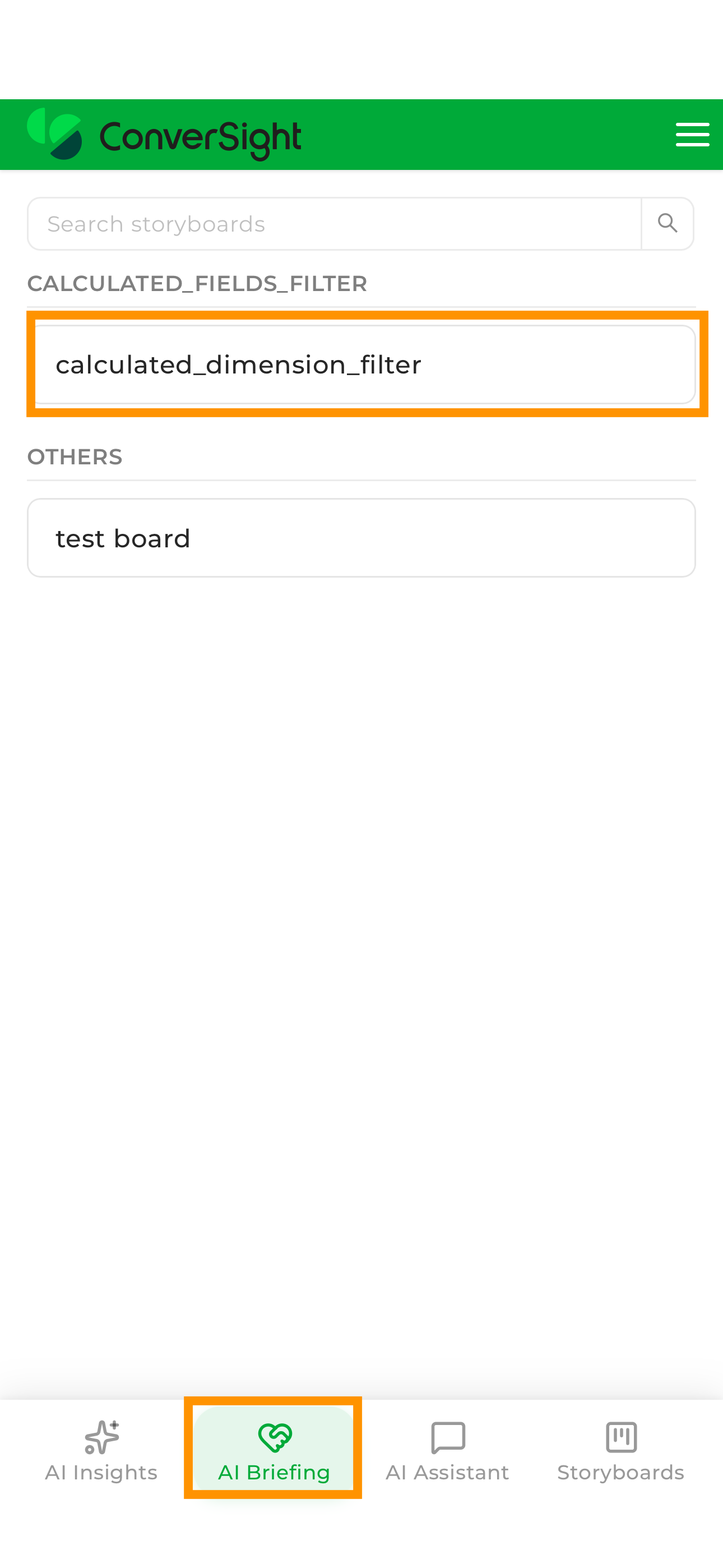
Selecting the AI Briefing icon opens the available briefings, allowing users to choose the report they want to review.
After a briefing is selected, the application displays the associated summary, recommendations, and supporting information.
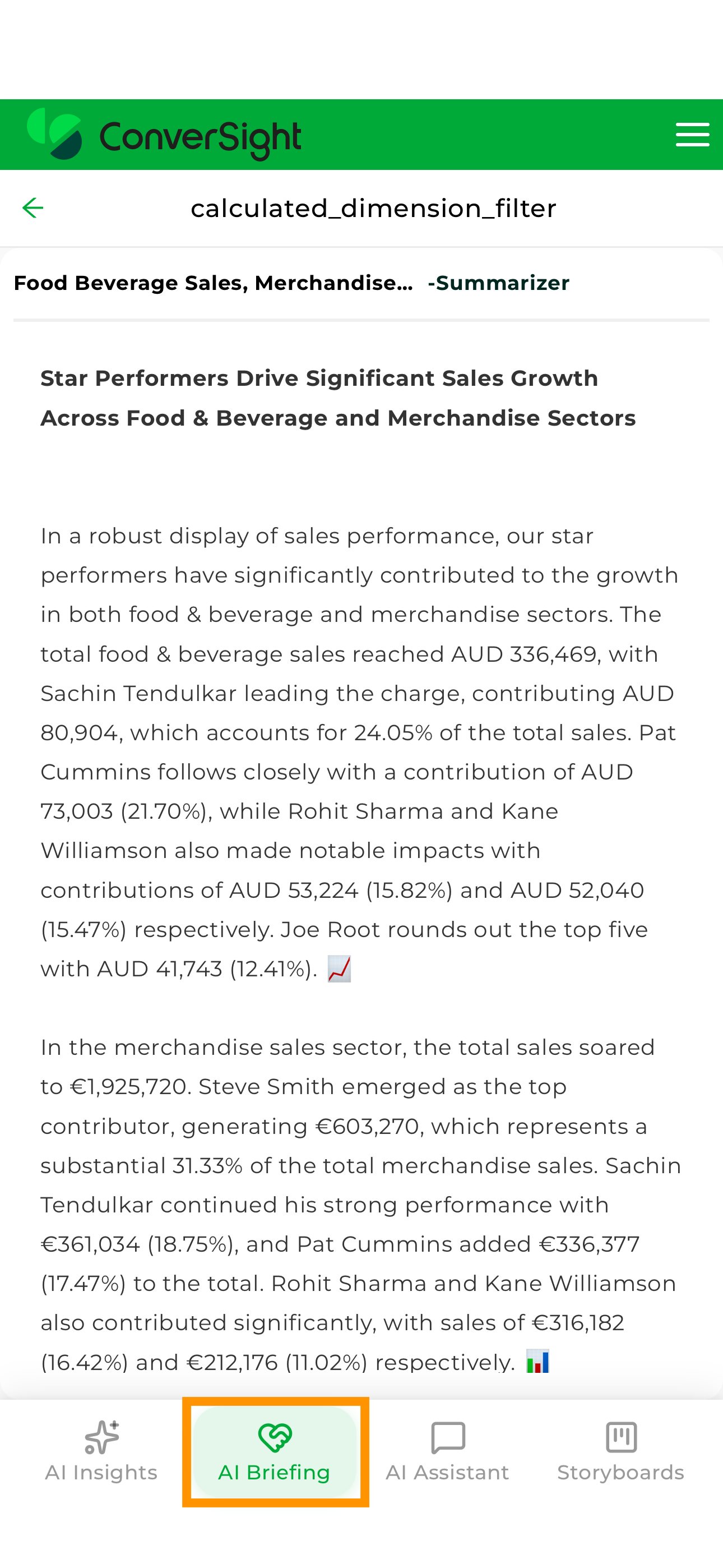
Briefings provide a consistent review experience by presenting business conditions, recommended actions, and operational observations in a structured format. This enables users to stay informed about important developments without manually compiling reports or reviewing multiple analytics views.
AI Assistant
AI Assistant provides the fastest path from a question to an answer. Powered by Athena, the ConverSight AI employee, the AI Assistant enables users to interact with business data using natural language directly from the mobile application.
Rather than navigating reports, building queries, or locating dashboards, users can simply ask a question and receive information generated from governed business data.
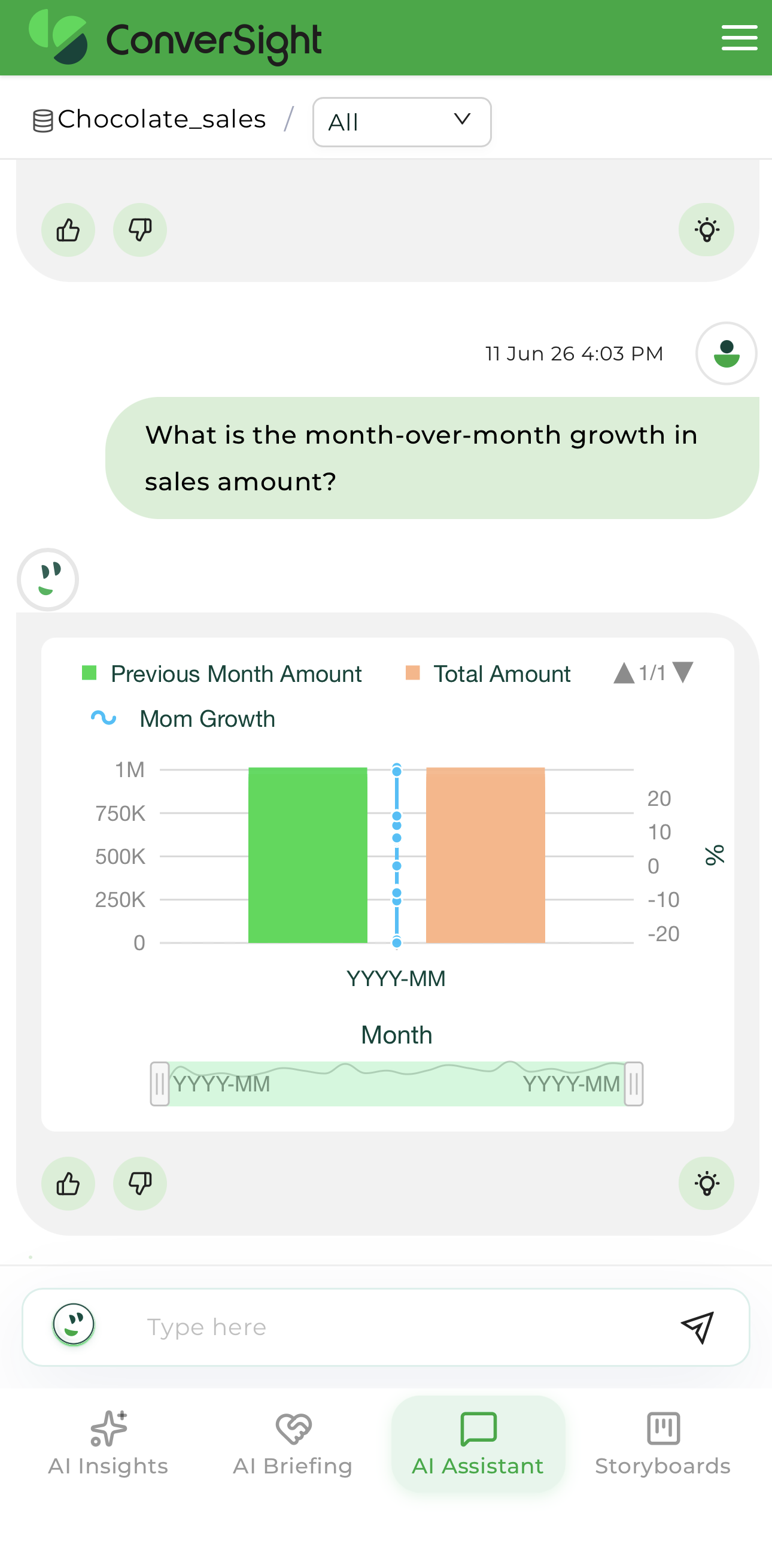
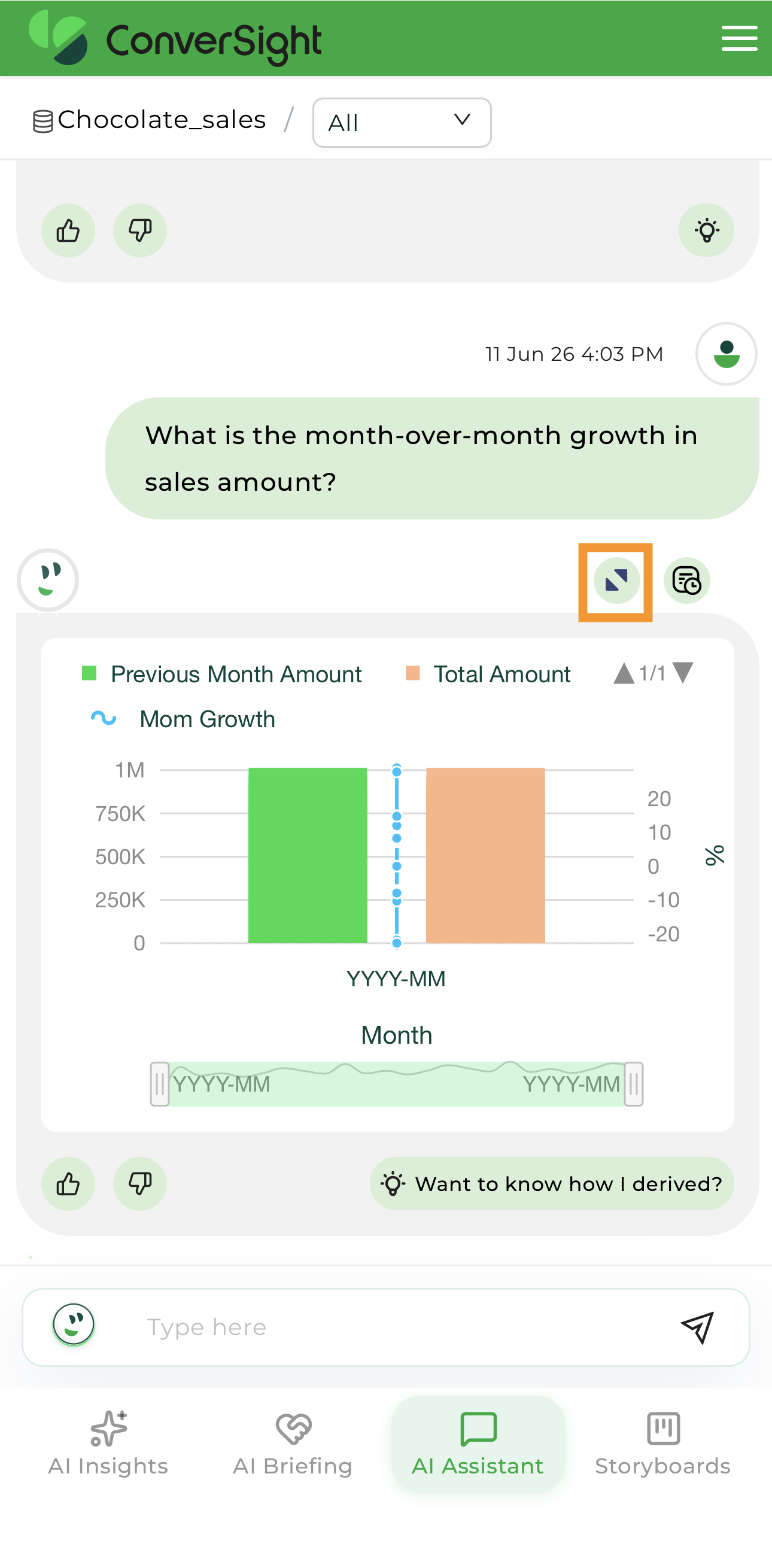
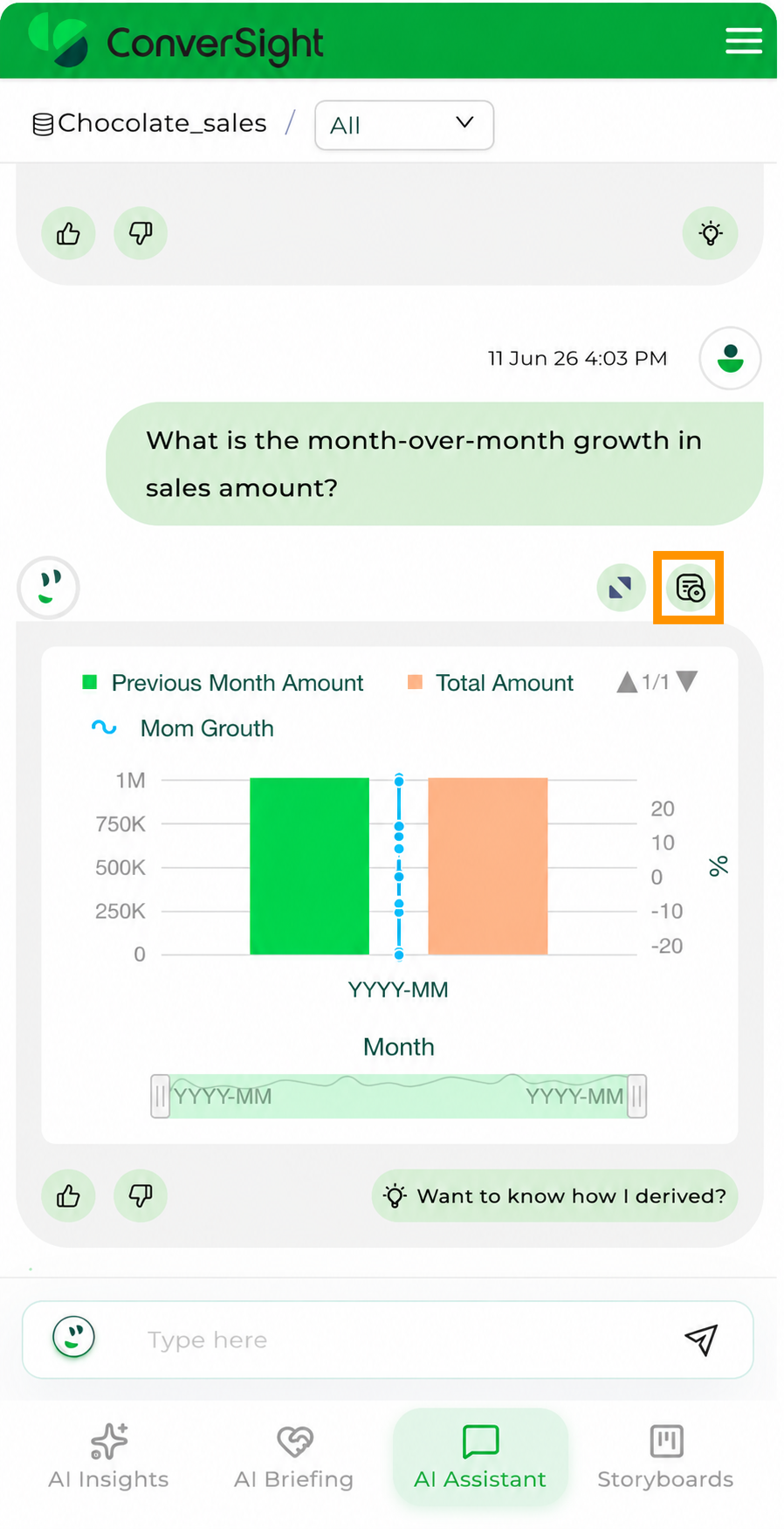
Responses may include business summaries, visualizations, tables, or supporting analytics depending on the question being asked. When a response contains a chart or table, selecting the result opens an expanded analysis view.
Full-Screen Analysis
Charts and tables can be viewed in full-screen mode to provide additional visibility into the data.
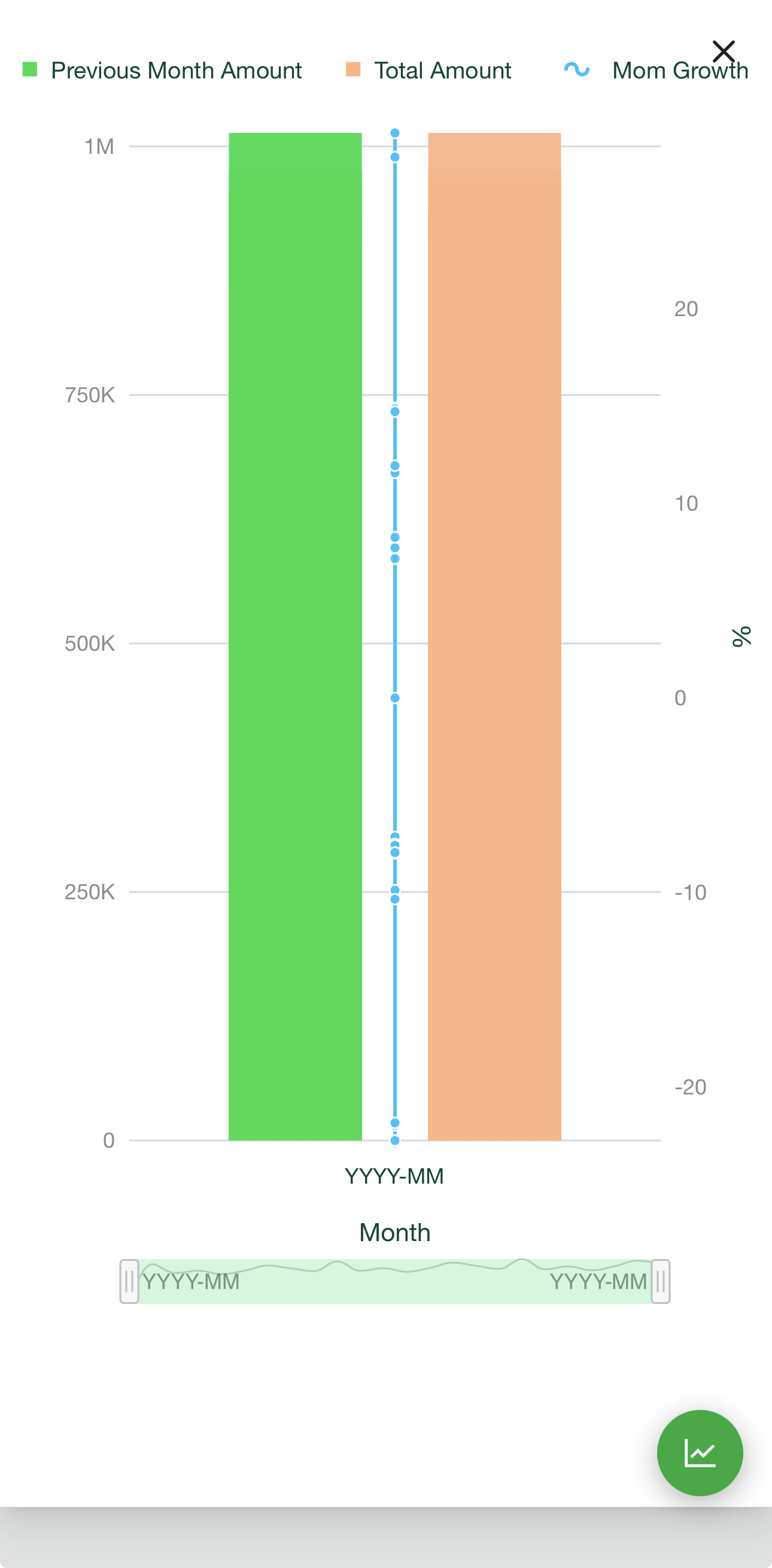
Users can also switch between different visualization formats, including chart views, CS Table, and Pivot Table formats.
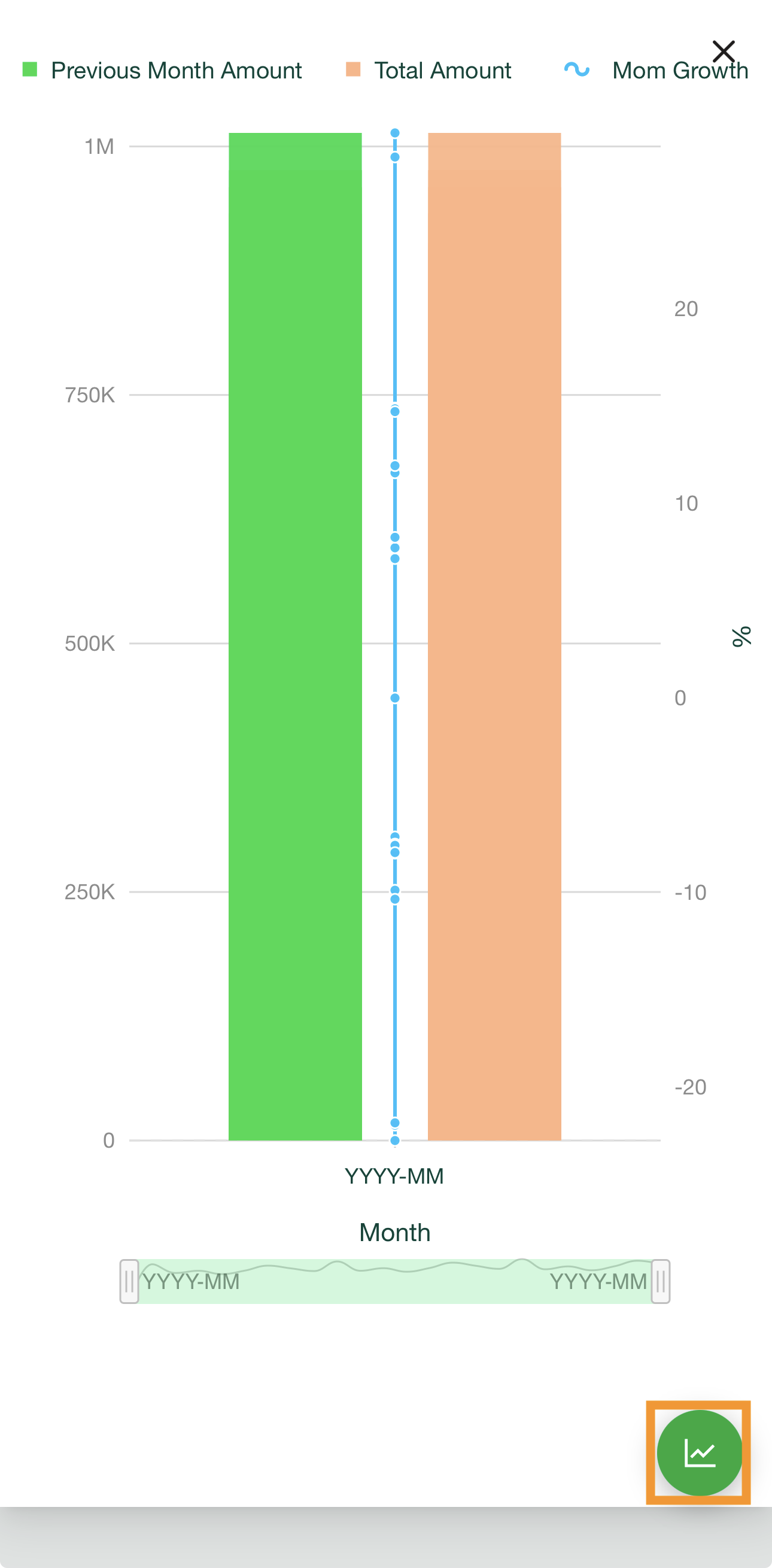
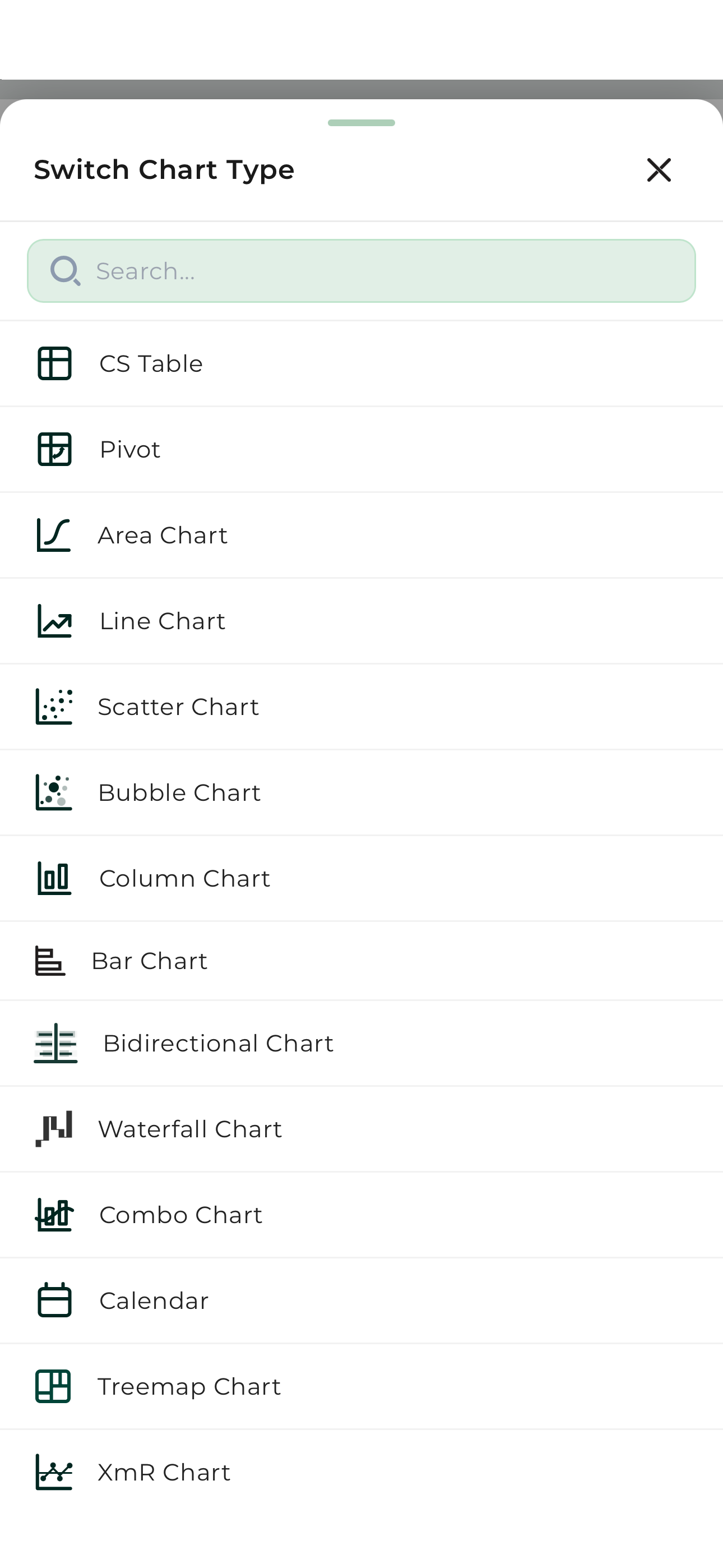
This allows users to move seamlessly between conversational analytics, tabular analysis, and visual exploration without leaving the mobile experience.
Explanation
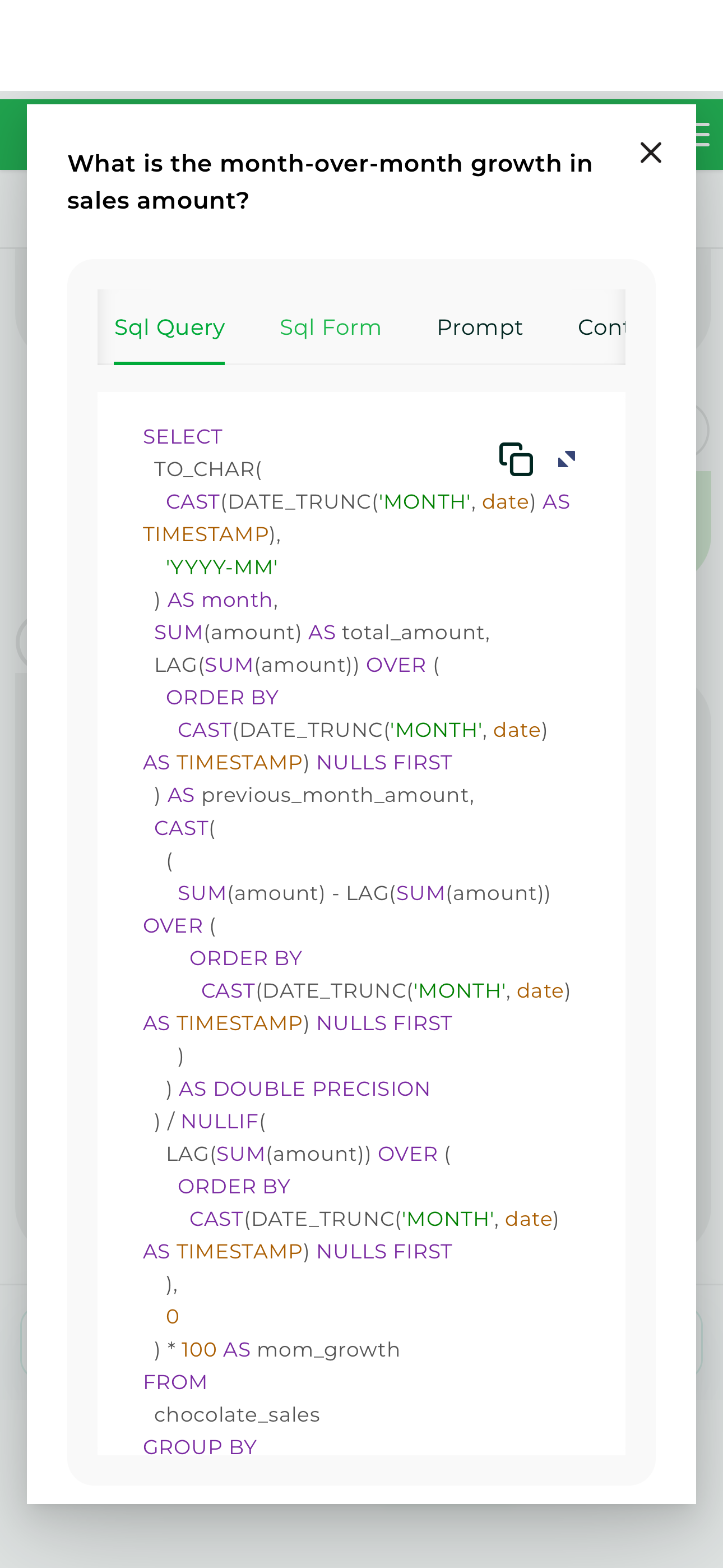
The expanded view enables users to review the Explanation associated with the response, helping them understand how the answer was generated.
Storyboards
Storyboards provide access to business visualizations, metrics, and analytics. Selecting the Storyboards icon opens the available Storyboards, allowing users to choose the business area they want to analyze.
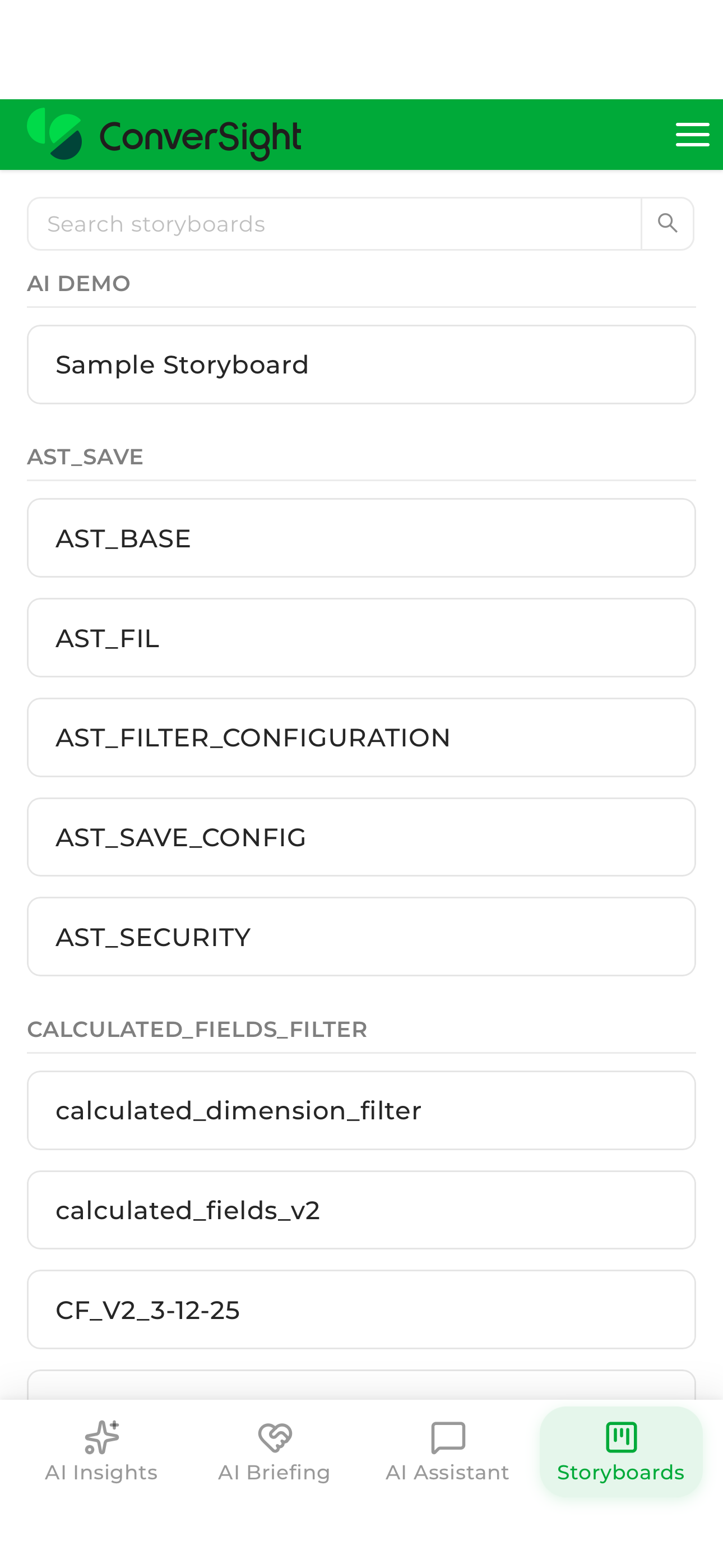
After a Storyboard is selected, the associated visualizations and reports are displayed.
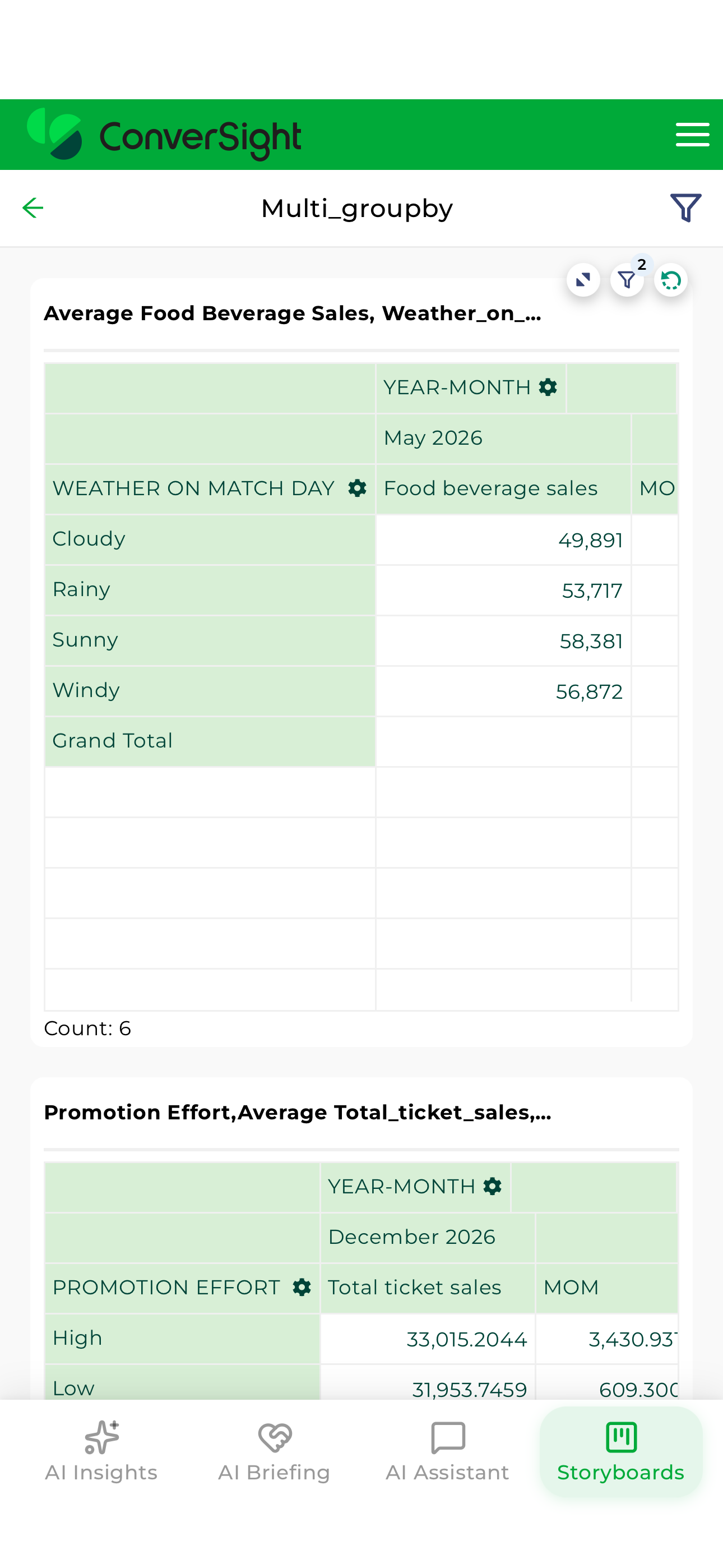
Users can interact directly with individual visualizations to access additional viewing and analysis options.
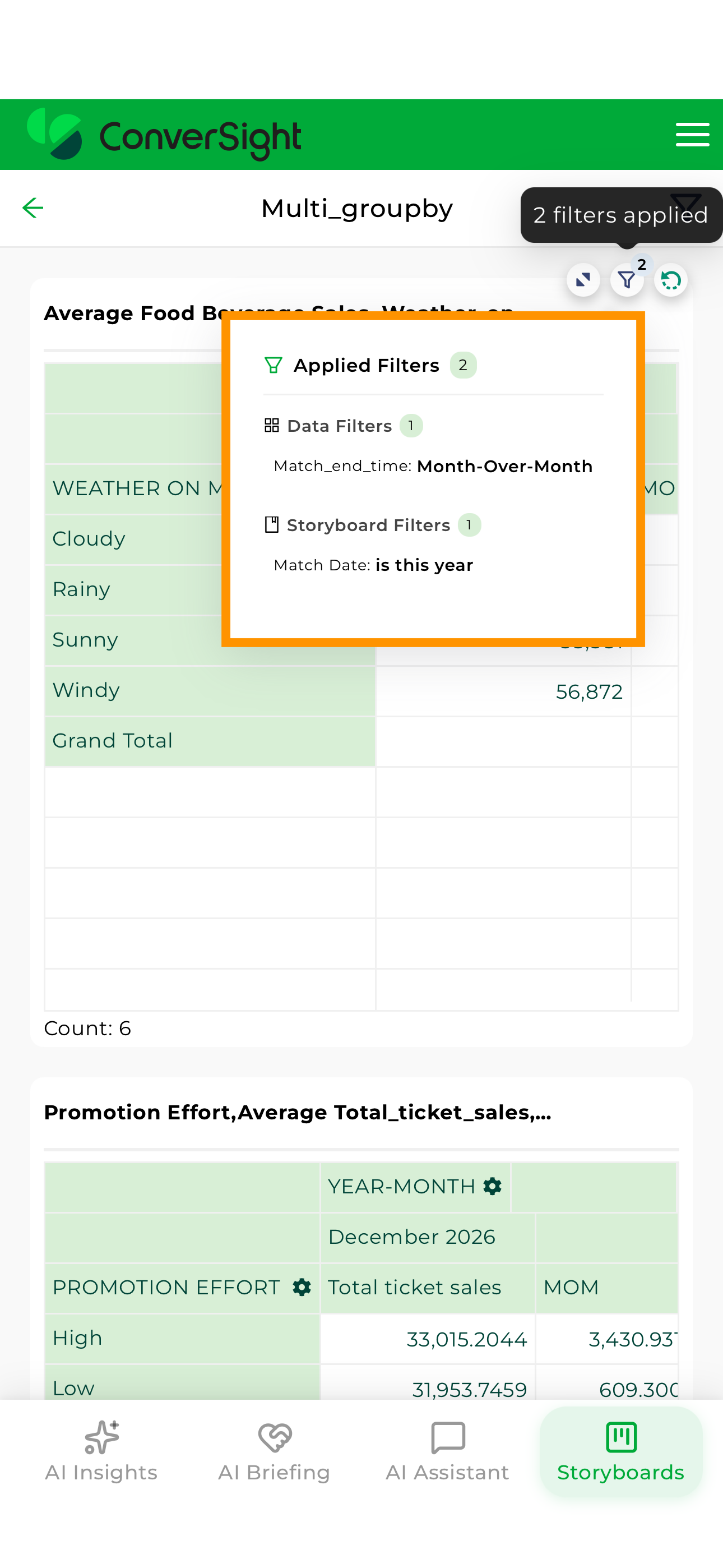
Reports can be expanded, refreshed, or reviewed together with the filters currently applied to the visualization.
Visualizations can also be opened in full-screen mode for detailed analysis.
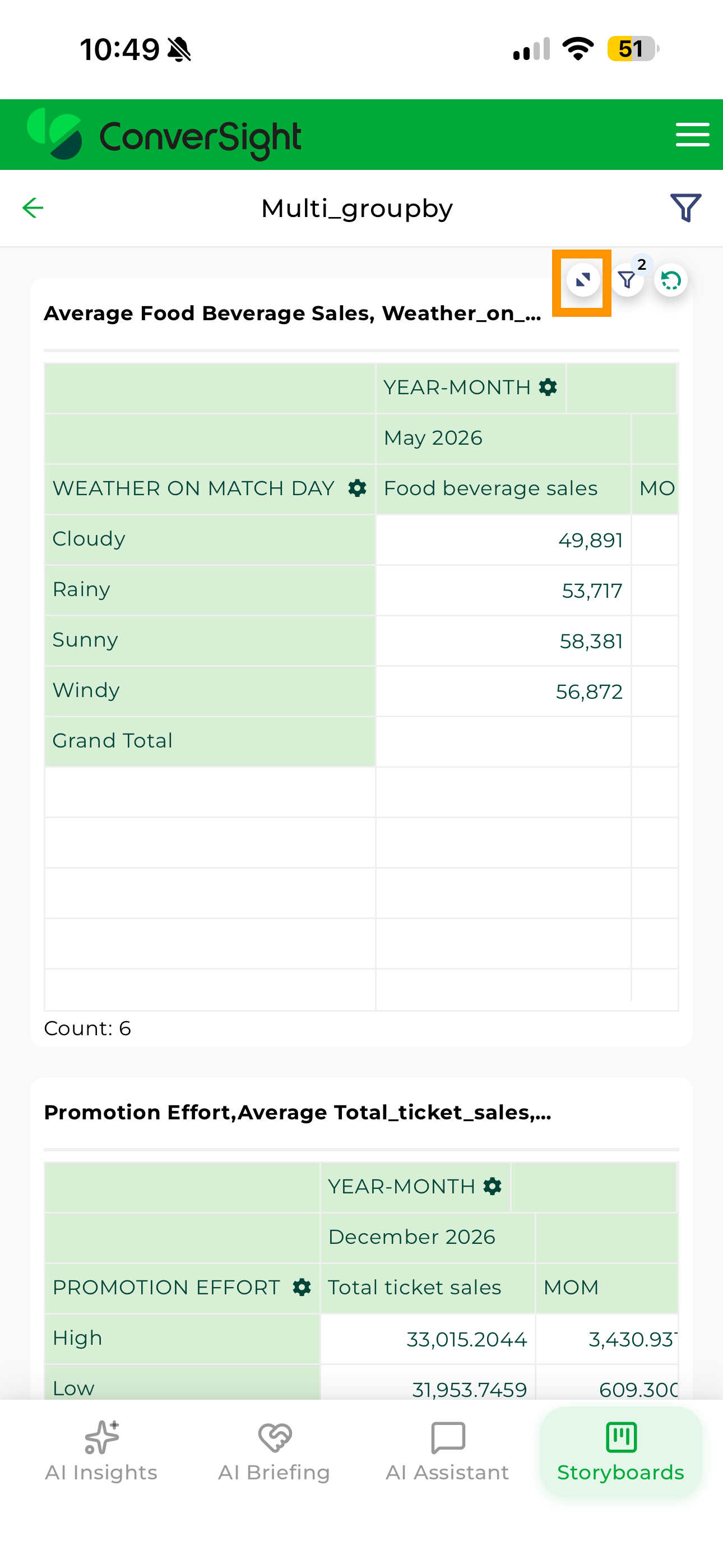
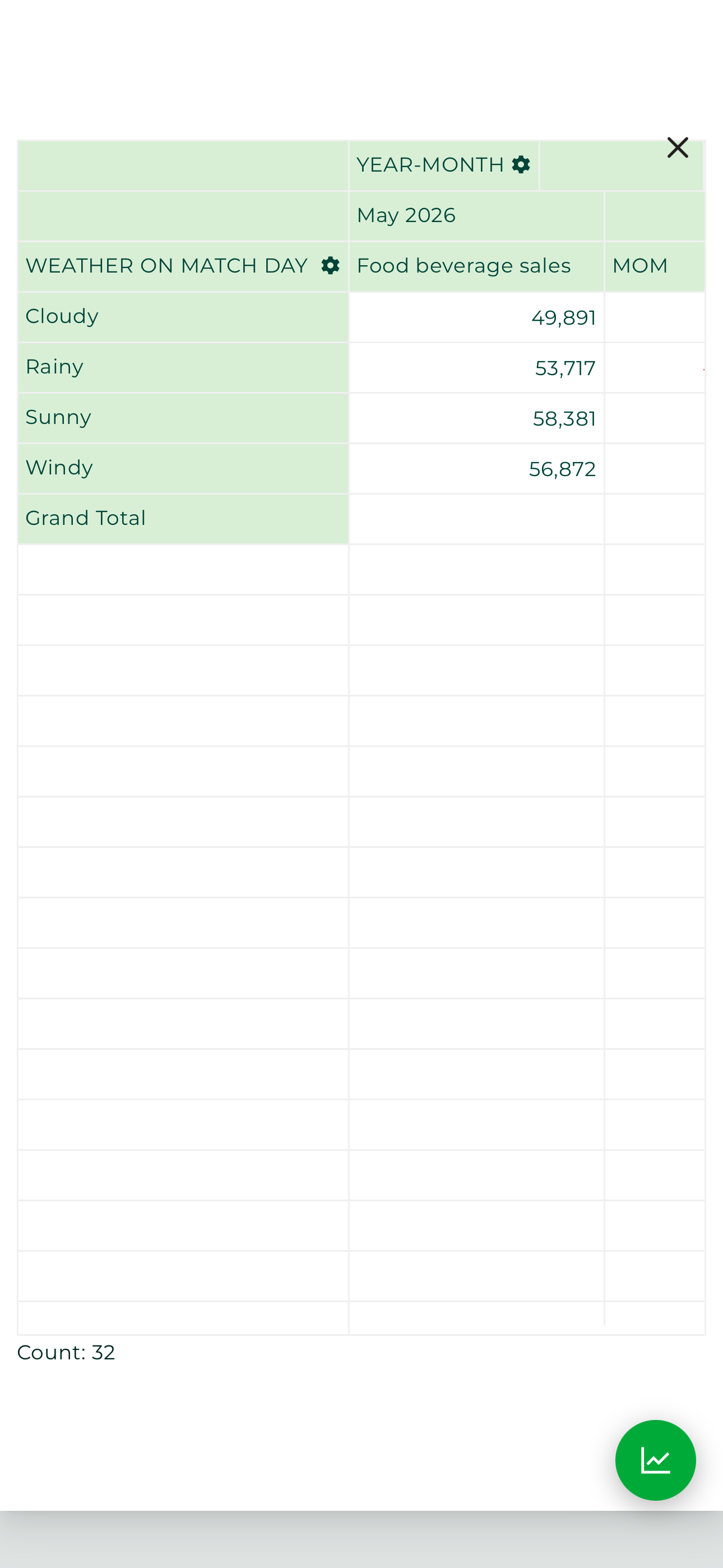
Selecting a visualization displays it in an expanded view for easier analysis.
Within the expanded view, users can switch between available chart formats or view the information using CS Table and Pivot Table formats.
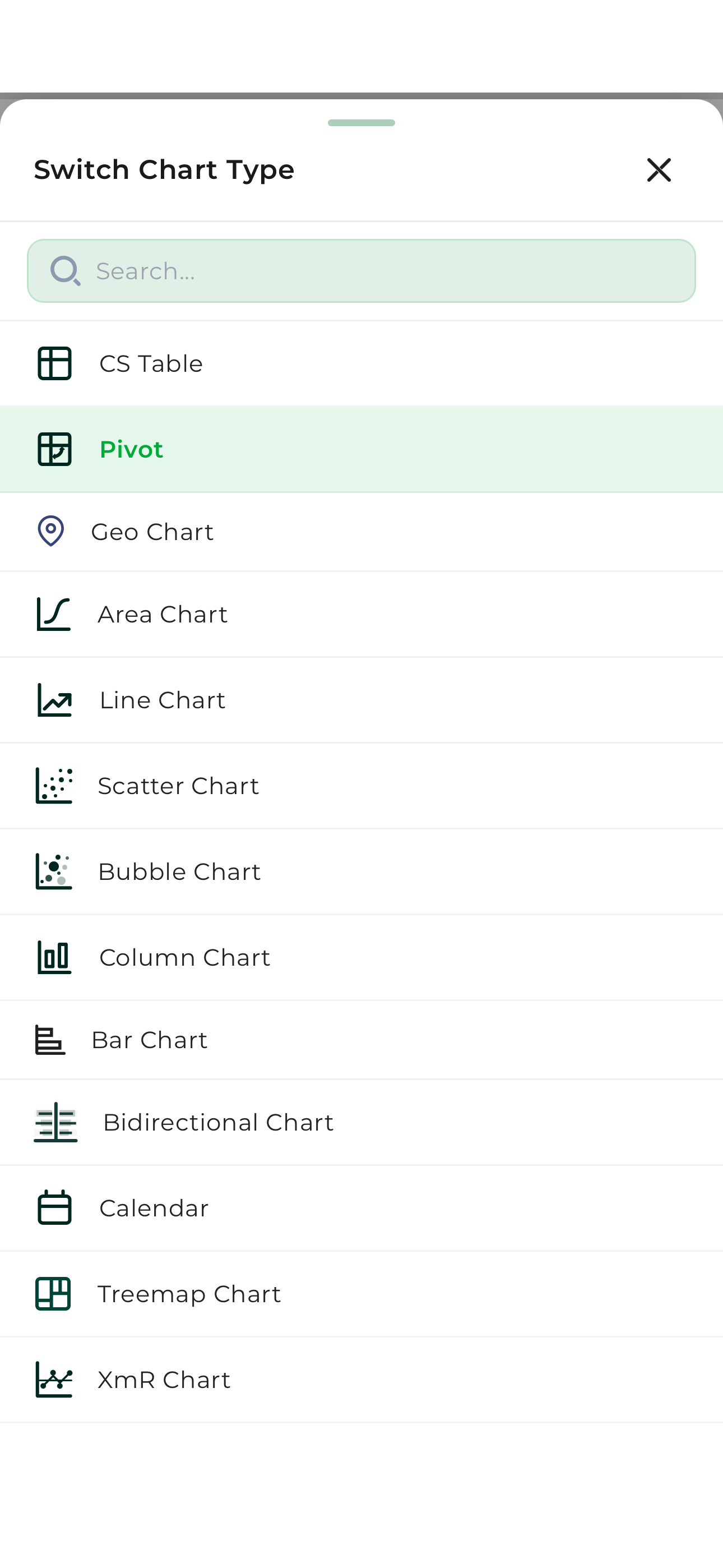
This flexibility allows users to analyze the same information using different visual perspectives while remaining within the mobile application.
The ConverSight Mobile App combines AI Insights, AI Briefings, AI Assistant, and Storyboards into a unified mobile experience. Users can review emerging business conditions, consume recurring business summaries, ask questions using natural language, and analyze visualizations directly from their mobile devices while maintaining access to the same governed analytics available throughout the ConverSight platform.